
Define
Create document types, expiry expectations, upload limits and required employee file categories.
Operentra HRM connects employee documents, document types, uploads, HR letters, templates, PDF generation, salary slip PDFs and QR verification so every official record stays controlled from upload to validation.
Documents turns HR paperwork into a controlled path: employee file upload, document categories, expiry review, HR letters, templates, generated PDFs, salary slips and public verification.
The Documents module connects employee files, generated HR letters, salary slip PDFs, templates, verification records and expiry follow-up so HR can prove what was created, shared and retained.
Create document types, expiry expectations, upload limits and required employee file categories.
Attach files to employee records with metadata, validation and review-ready document status.
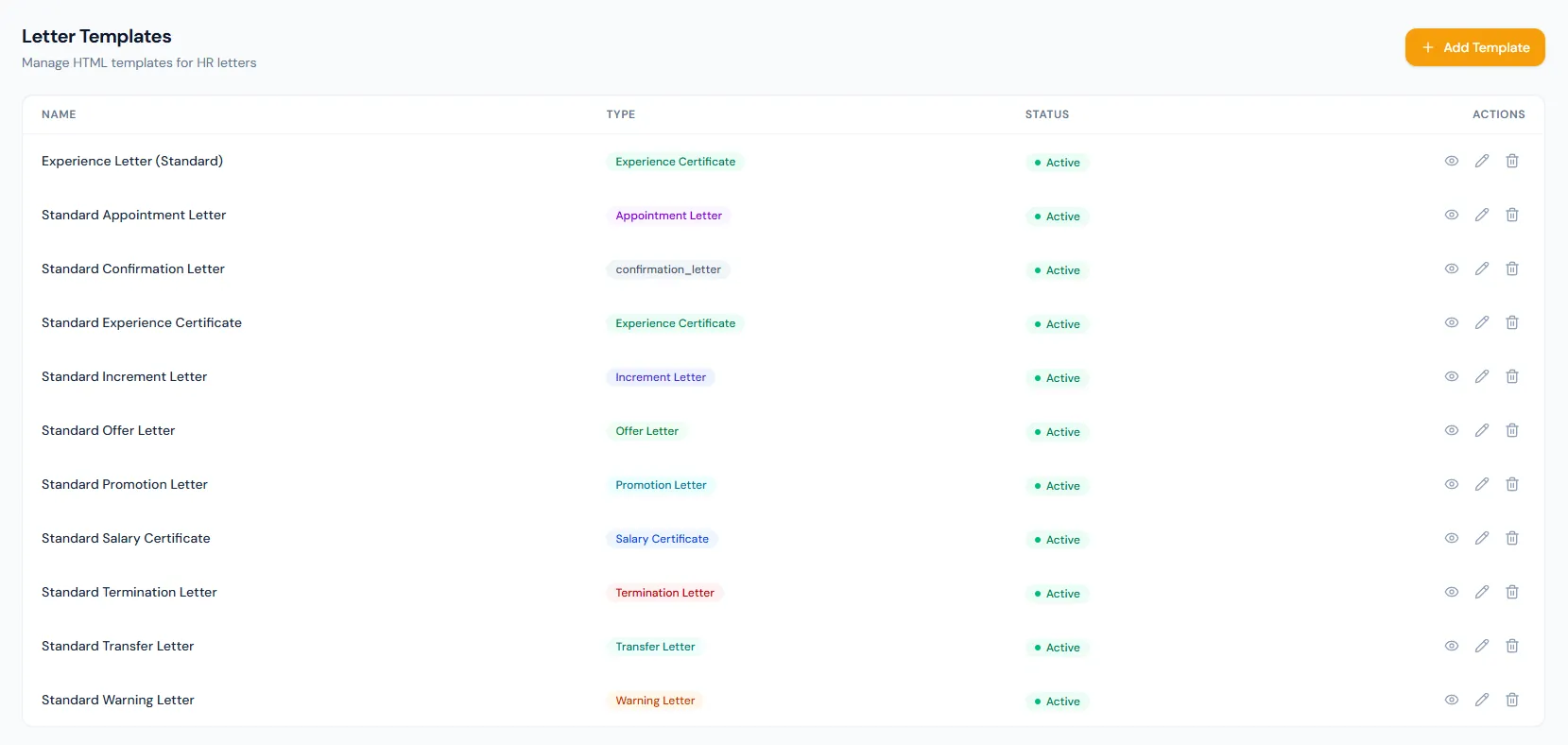
Use HR letter templates and the PDF engine to prepare official employee correspondence.
Publish secure verification records so recipients can confirm document authenticity by QR.
Keep files, letters, salary slip PDFs and verification history attached to the right employee record.
Upload, organize and track employee files, metadata, review status and expiry details.
Open featureConfigure categories, required status, expiry behavior, upload limits and file rules.
Open featureAttach employee documents with format and size validation, entry labels and review-ready metadata.
Open featureGenerate official offer, appointment, warning and experience letters from employee data.
Open featureReuse controlled templates for every recurring HR letter and certificate workflow.
Open featureRender letters, salary slips, contracts and certificates as consistent PDFs.
Open featureSmart fields pull company, employee and payroll details straight into every generated document.
Open featureCreate downloadable salary slip PDFs from finalized payroll records.
Open featureVerify HR documents with tamper-aware public records and controlled access.
Open featureLet external recipients scan a QR code and confirm authenticity through a secure one-off link.
Open featureEmployee documents, file uploads, HR letters, PDF generation, template-based output, salary slips and public document verification — one module handles the complete paper trail.
Employee files can carry categories, metadata, status and expiry context so HR can review required documents before audits, renewals or employee changes.
HR letters and salary slips use reusable templates and structured fields, helping teams generate consistent PDFs without rebuilding every document.
QR verification gives external recipients a public authenticity check while keeping employee files and internal document history controlled inside HRM.
Map your employee file library, HR letters, templates, PDF output and verification process to the right HRM rollout plan.
Employee files, expiry dates, HR letters and generated PDFs live in a single place, so review follow-ups stay clean and nothing gets lost in shared drives.
The template and PDF workflow removes manual letter editing — offer letters, warnings and experience certificates all follow the same approved format.
QR verification lets recipients confirm official documents themselves, so external checks no longer require HR to manually confirm every certificate.
Document types and expiry tracking make employee file audits easier — HR can quickly see what is missing, reviewed, expired or ready.
Salary slip PDFs and HR letters stay connected to employee records, giving payroll and HR one reliable document history.
Documents covers employee documents, document types, file uploads, HR letters, templates, PDF generation, salary slip PDFs and public verification.
Yes. Letter templates can merge company, employee and payroll fields so offer, appointment, warning and experience letters stay consistent.
Expiry dates keep certificates, IDs, contracts and compliance files visible before they become stale or require renewal.
Yes. Verification and QR links let external recipients confirm authenticity without exposing the employee document library.
Yes. Salary slip PDFs are produced from finalized payroll records and can remain available for employee access and audit history.