
Track company-owned items such as laptops, phones, SIMs, access cards, monitors and headsets from stock to employee issue, return, maintenance, retirement or loss.
01Review categoriesAsset Management process stepActive
02Add inventoryAsset Management process stepActive
03Issue to employeeAsset Management process stepActive
Choose a view to see how this module keeps daily HR work structured and reviewable.
Sitting in stock and available for the next employee handover.
Values remain traceable in HRM.The Assets page from HRM keeps company-owned items, employee assignments, return status and asset history organized in one lifecycle view.
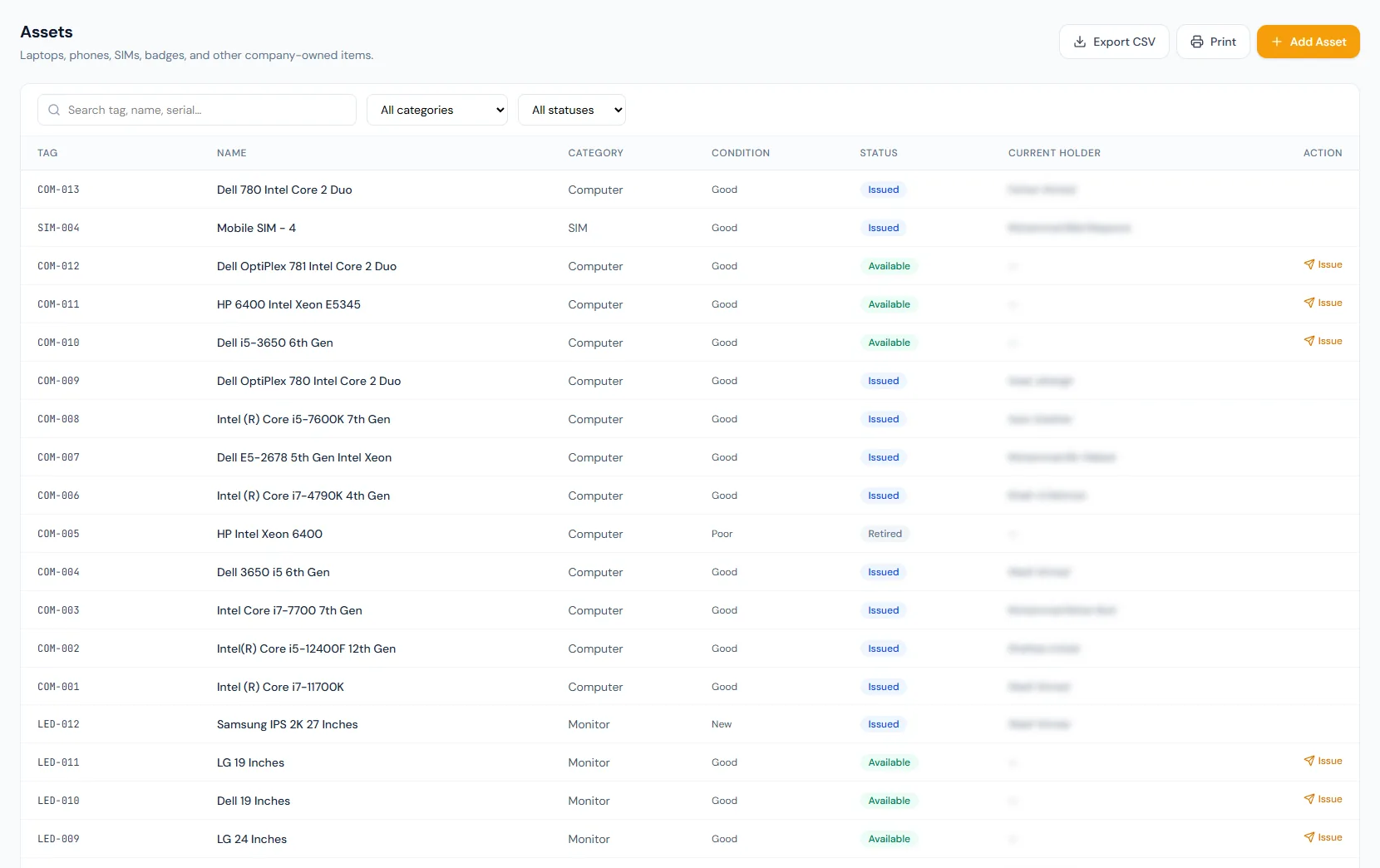
Default categories cover common workplace equipment and can be extended per company.
The return outcome routes the asset automatically: good or fair back to stock, damaged to maintenance, lost closed out.
A unique active assignment rule prevents the same asset being issued to multiple holders.
Issue, return, overdue-return reminders that never repeat within a day, and a daily 6 PM overdue digest keep people informed.
Employees can see what they hold and review past assignments without HR lookups.
Condition, notes, expected return date and handover timing stay attached to the assignment.
Track company-owned items such as laptops, phones, SIMs, access cards, monitors and headsets from stock to employee issue, return, maintenance, retirement or loss.
Maintain categories, asset tags, serial numbers, vendor and purchase details in one controlled register.
Create a permanent assignment row whenever an item is issued, returned, damaged or marked lost.
Employees can review active and historical assignments from the portal while returns remain admin-driven.
Available assets can be issued to employees, returned in different conditions, moved to maintenance, retired, or marked lost while preserving the full chain of custody.
Shared context keeps this workflow aligned with employees records.
ConnectedShared context keeps this workflow aligned with offboarding records.
ConnectedShared context keeps this workflow aligned with onboarding records.
ConnectedShared context keeps this workflow aligned with email records.
ConnectedShared context keeps this workflow aligned with reports records.
ConnectedNo. Issued state is controlled by issue and return actions so the assignment history stays consistent.
Not yet. Purchase cost is captured today, and depreciation tracking is on the roadmap.
Employees can see everything they hold; asset request workflows are on the roadmap.
Map your current workflow to the right HRM setup, permissions and rollout plan.