
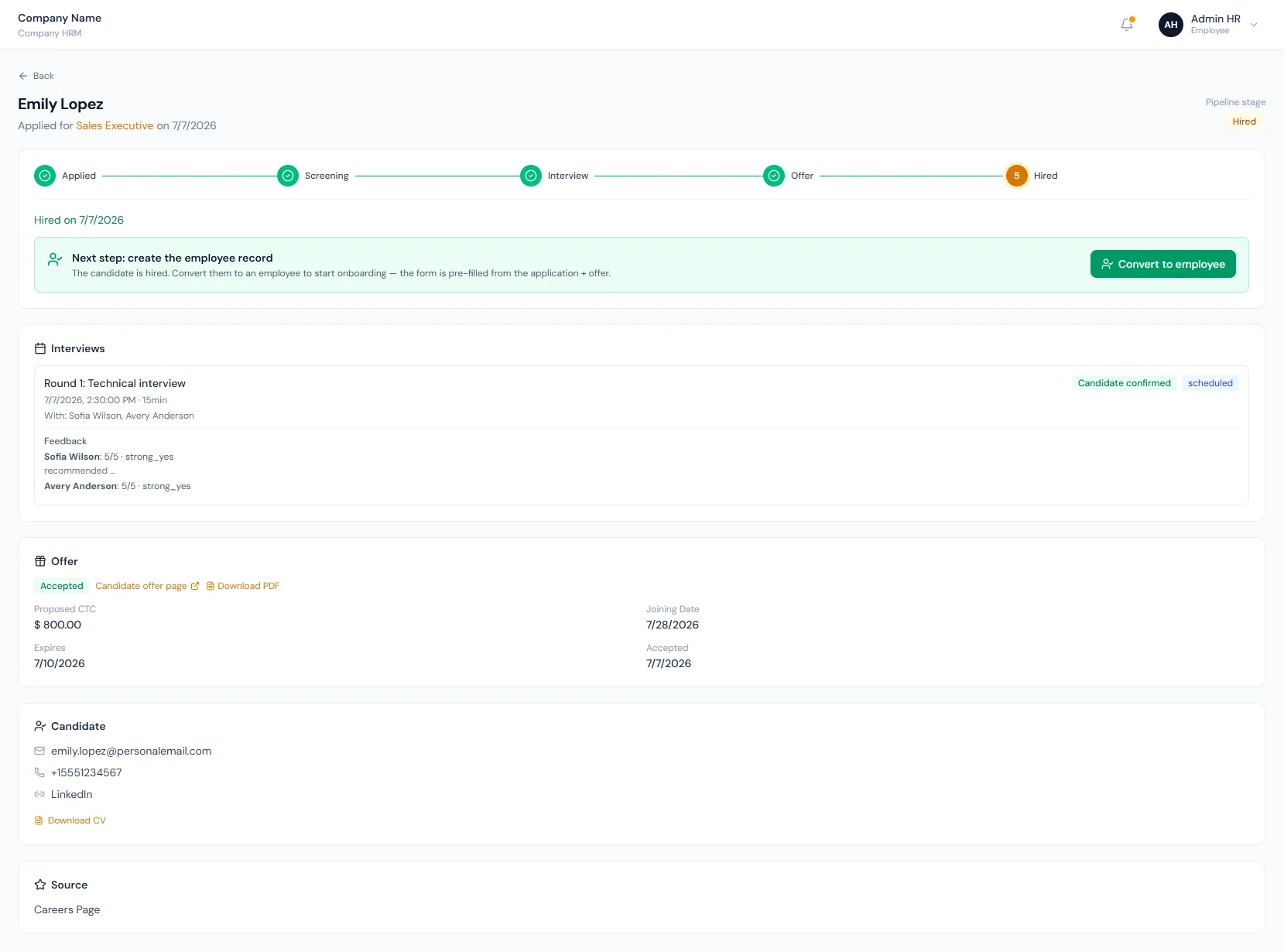
Convert hired applications through the full employee creation form, prefilled from candidate, opening and offer data, then link the recruitment application to the new employee record.
01Candidate acceptsCandidate to Employee Conversion process stepActive
02Open employee formCandidate to Employee Conversion process stepActive
03Complete missing fieldsCandidate to Employee Conversion process stepActive
Convert hired applications through the full employee creation form, prefilled from candidate, opening and offer data, then link the recruitment application to the new employee record.
The UI uses the normal employee-add form so HR completes all required employment, address, bank and emergency fields.
Candidate name, personal email, phone, department, designation, employment type and joining date can prefill from the application and offer.
The application ID is submitted with the employee create payload so the candidate and application are stamped as converted.
The Candidate to Employee Conversion page helps HR turn accepted candidates into complete employee records while preserving recruitment links and downstream lifecycle setup.
Convert hired applications through the full employee creation form, prefilled from candidate, opening and offer data, then link the recruitment application to the new employee record.
Choose a view to see how this module keeps daily HR work structured and reviewable.
Candidate, opening and offer values prefill the employee create form.
Values remain traceable in HRM.Conversion uses the standard employee form instead of skipping required fields.
Known candidate and offer data reduces manual entry.
The employee remains traceable to the recruitment application.
At creation HR chooses invite-based portal access or an admin-managed membership with no invite.
A candidate already converted cannot be converted again — the link to the employee blocks a second run.
After conversion, normal employee workflows take over.
Shared context keeps this workflow aligned with offers records.
ConnectedShared context keeps this workflow aligned with employees records.
ConnectedShared context keeps this workflow aligned with onboarding handoff records.
ConnectedShared context keeps this workflow aligned with job openings records.
ConnectedShared context keeps this workflow aligned with contracts records.
ConnectedNo. New employees are created through the full employee form.
Candidate contact data, opening role data and offer joining date.
Yes. The candidate record is stamped with the new employee and conversion date, which also prevents double conversion.
Map your current workflow to the right HRM setup, permissions and rollout plan.