
Use admin and employee dashboards to aggregate headcount, attendance, leave, payroll, announcements and recent activity with role-based visibility.
Use admin and employee dashboards to aggregate headcount, attendance, leave, payroll, announcements and recent activity with role-based visibility.
HR leaders can review headcount, attendance overview, leave summary, payroll liability, recent activity, department breakdown and upcoming events.
Employees can see profile context, monthly attendance, leave balances, recent salary, active loans, the next holiday, the company pay day, announcements and pending actions.
Dashboard values are calculated from attendance, leave, payroll, employees and announcements rather than copied into a static screen.
Use admin and employee dashboards to aggregate headcount, attendance, leave, payroll, announcements and recent activity with role-based visibility.
The Dashboard page from HRM brings headcount, attendance, leave, payroll liability, recent activity and upcoming events into one role-aware overview.
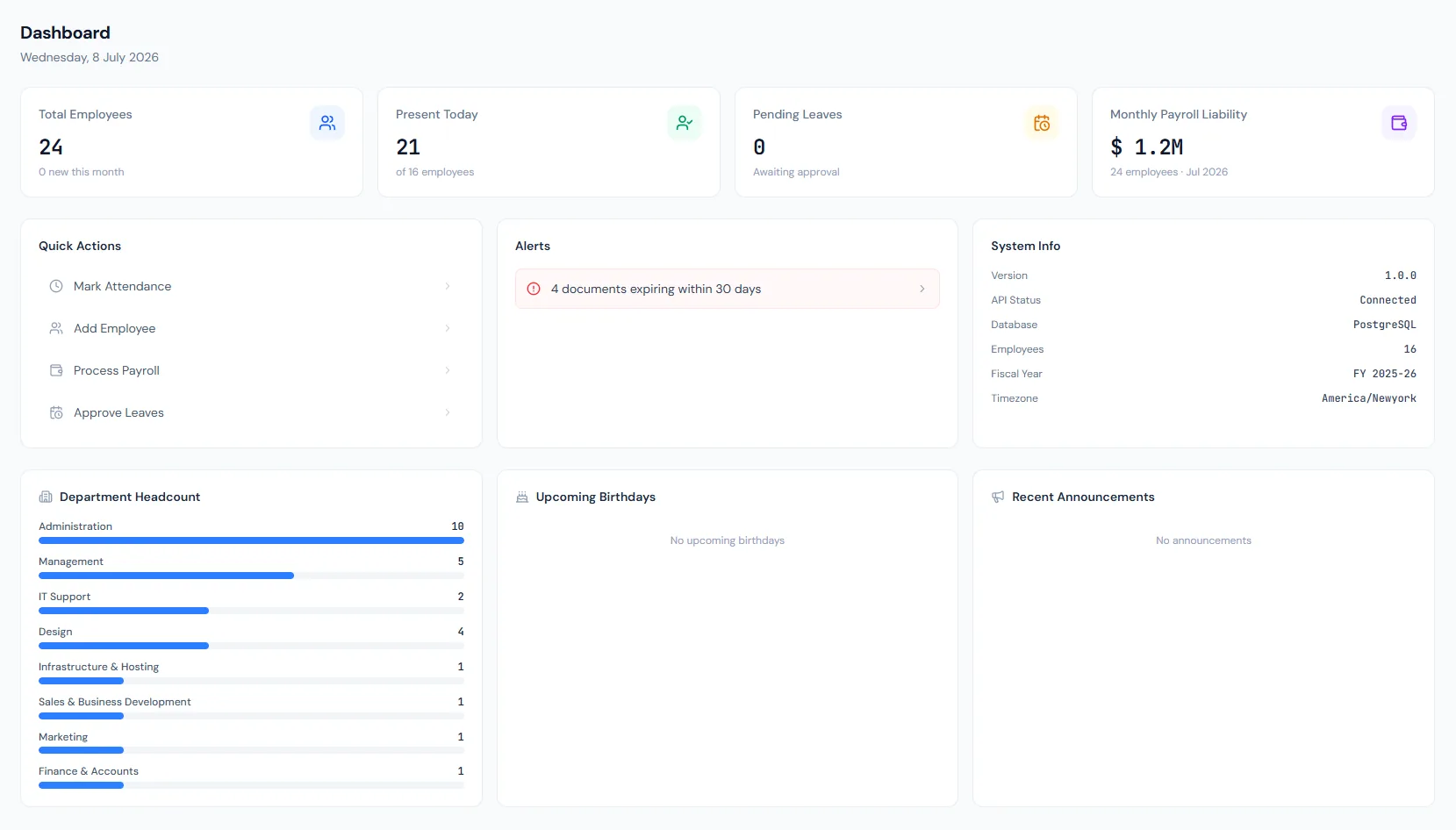
Active workforce totals are available at a glance.
Present, absent and time activity can be summarized for the current day or period.
Pending and upcoming leave context is visible without opening every leave report.
Leadership can see salary exposure and payroll run context.
Expiring contracts, expiring documents and upcoming birthdays surface for follow-up.
New companies see a seven-step getting-started checklist with progress and deep links.
Choose a view to see how this module keeps daily HR work structured and reviewable.
Admin users see organization-wide KPIs when their permissions allow it.
Values remain traceable in HRM.Shared context keeps this workflow aligned with dashboard records.
ConnectedShared context keeps this workflow aligned with employee reports records.
ConnectedShared context keeps this workflow aligned with attendance reports records.
ConnectedShared context keeps this workflow aligned with payroll reports records.
ConnectedShared context keeps this workflow aligned with printing & exports records.
ConnectedHeadcount, attendance, leave, payroll liability, recent activity, department breakdown and upcoming events such as expiring contracts, expiring documents and birthdays.
Yes. Admin and employee views follow the signed-in user's permissions.
No. It reflects active gross salary liability and excludes adjustments, loans and employer contributions.
Map your current workflow to the right HRM setup, permissions and rollout plan.