
Review employee directory, headcount, demographics, new hires, anniversaries and attrition reports using employee, department, branch and status data from the HRM employee records.
Employee reports
Review employee directory, headcount, demographics, new hires, anniversaries and attrition reports using employee, department, branch and status data from the HRM employee records.
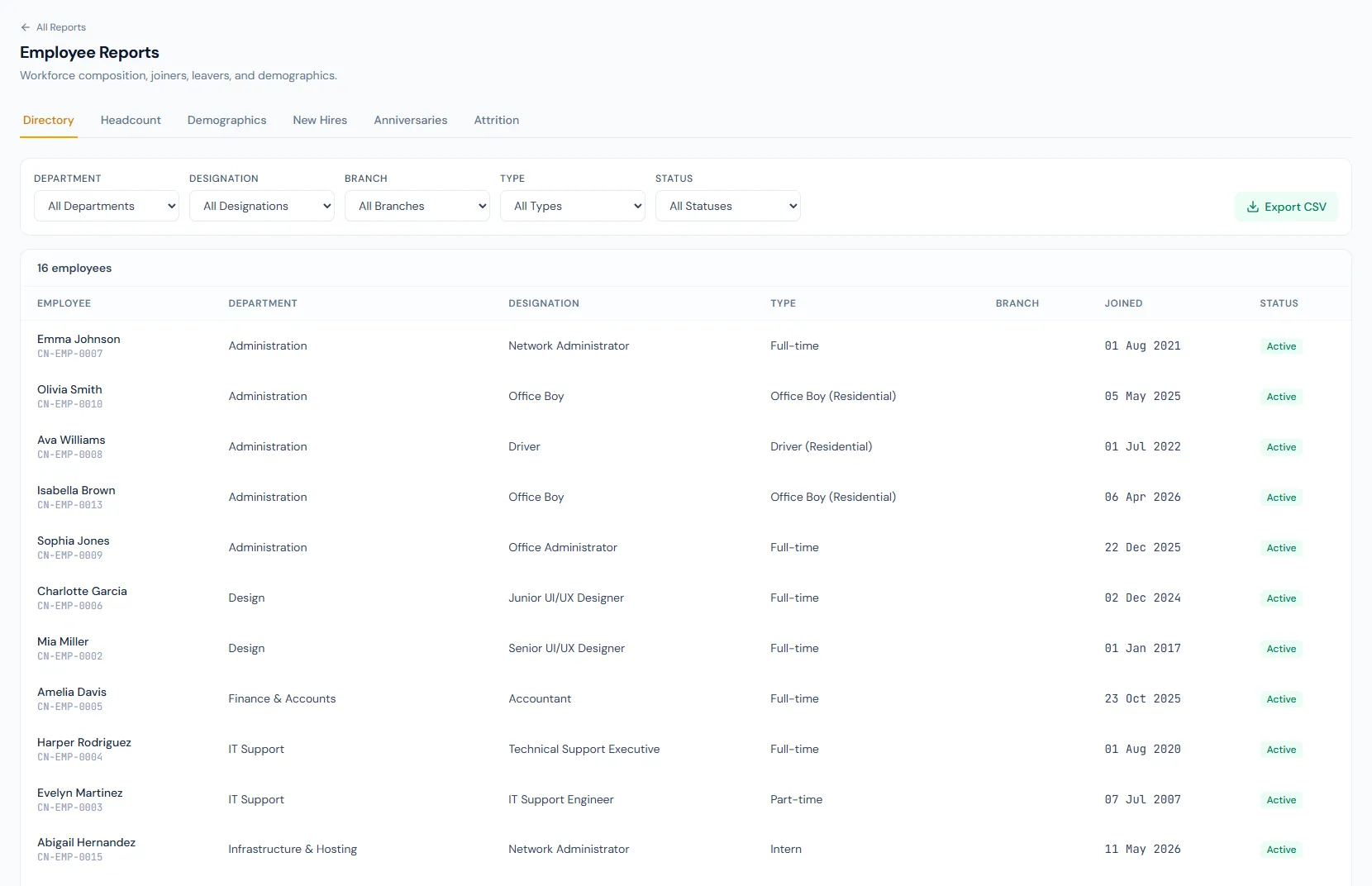
List employee code, name, department, designation, status and joining data for controlled workforce review.
Break down active employees by department, branch, designation or employment type, with a demographics view of the workforce.
New hires, anniversaries and attrition reports help HR track workforce change over time.
The Employee Reports page from HRM helps teams review directory rows, headcount summaries, joiner movement, separations and turnover from one reporting view.
Review employee directory, headcount, demographics, new hires, anniversaries and attrition reports using employee, department, branch and status data from the HRM employee records.
Every view stays structured and reviewable — nothing hides behind a tab.
Directory reporting gives HR a filtered employee register.
Headcount reports group employees by organization dimensions.
The anniversaries report looks ahead up to a year for work anniversaries worth marking.
The attrition report lists separations with each person's tenure — a clean record of who left and after how long.
Review the controlled employee register with operational fields.
Summarize active workforce counts by structure.
See the workforce's composition at a glance.
Track employees who joined in a selected period.
Spot upcoming work anniversaries across a chosen horizon.
Review employees leaving the organization, with tenure attached.
Directory, Headcount, Demographics, New Hires, Anniversaries and Attrition.
Yes. They can be grouped by department, branch and other employee dimensions.
Yes. The reporting permission governs access.
Map your current workflow to the right HRM setup, permissions and rollout plan.