
Control fiscal year records with start dates, end dates, current marker and active status so payroll, tax and reporting stay aligned with the correct financial period.
01Add fiscal yearFiscal Years process stepActive
02Set start dateFiscal Years process stepActive
03Set end dateFiscal Years process stepActive
Control fiscal year records with start dates, end dates, current marker and active status so payroll, tax and reporting stay aligned with the correct financial period.
Label each year clearly, such as FY 2026-27.
Use defined ranges such as 01-Jul-2026 to 30-Jun-2027.
Highlight the current fiscal year while preserving historical active periods.
Control fiscal year records with start dates, end dates, current marker and active status so payroll, tax and reporting stay aligned with the correct financial period.
The Fiscal Years page from HRM maintains financial-year periods from FY 2016-17 through FY 2026-27 with a current marker.
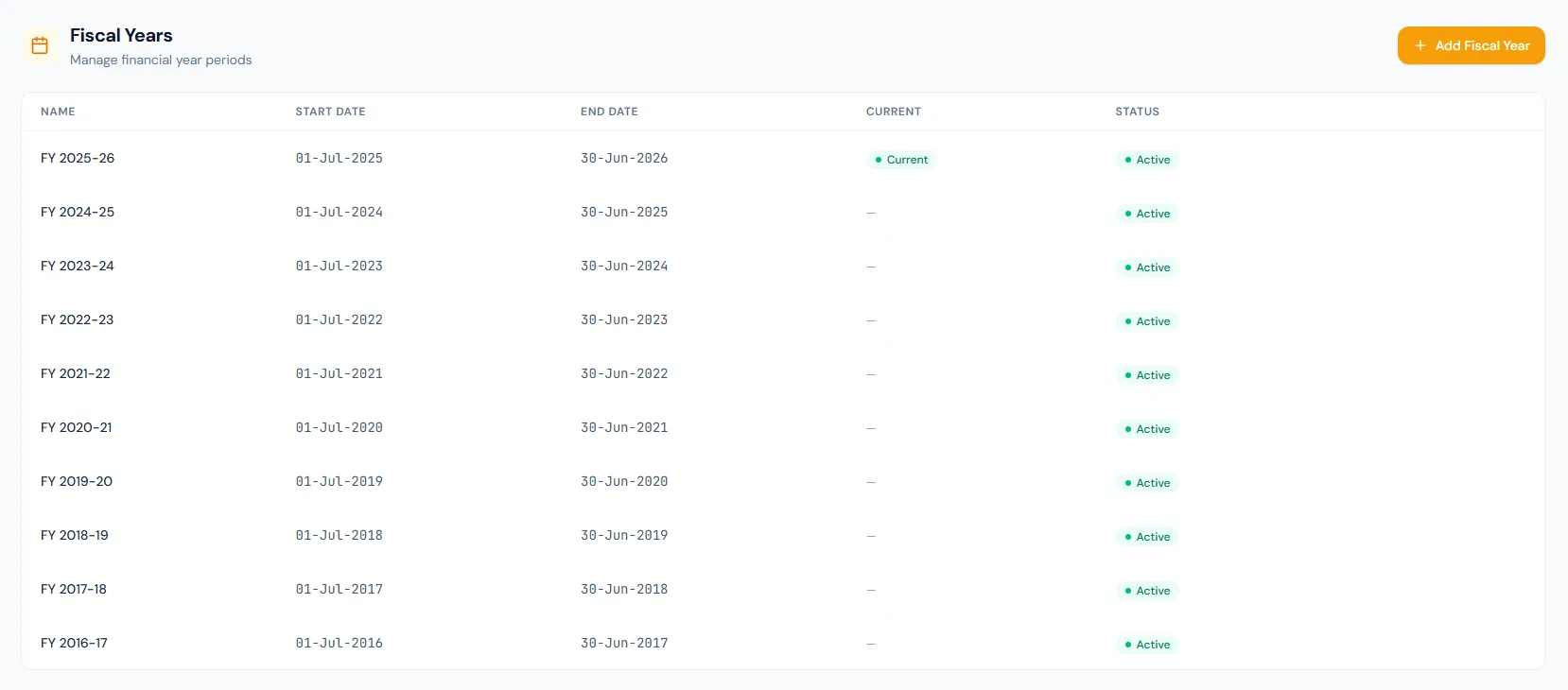
Name, start date, end date, current and status are shown together.
When a fiscal year ends, a nightly automation creates the next one, moves the current marker and runs leave allocation — no year is ever stuck.
Past years remain visible for reports and audit.
Overlapping date ranges and duplicate names are rejected.
The first fiscal year is created from the company country's statutory dates at signup.
Payroll runs and tax calculations can reference fiscal setup.
Every view stays structured and reviewable — nothing hides behind a tab.
Fiscal records use a consistent FY naming pattern.
Start and end dates define the period used by payroll and reports.
The current marker identifies the financial year in use, and marking a new year automatically clears the previous one.
Active badges keep fiscal years available for reference and reporting.
Name, start date, end date, current marker and status.
It identifies the financial year used for payroll, tax and reporting context.
Yes. The screen shows historical fiscal years as active reference records.
Map your current workflow to the right HRM setup, permissions and rollout plan.