
Register
Department listThe setup table shows every business unit with code and operational state.
- ExamplesHR / FIN / ENG
- ColumnsDepartment, code, parent
- StatusActive
Maintain departments with codes, parent relationships, employee counts and active status so the HRM can segment employees, approvals and reports by business unit.
The setup table shows every business unit with code and operational state.
Maintain departments with codes, parent relationships, employee counts and active status so the HRM can segment employees, approvals and reports by business unit.
Keep Administration, Human Resources, IT Support, Marketing, Software Engineering and other departments in one controlled list.
Use department codes and parent relationships to build a live tree with sub-department counts.
Active badges make available departments easy to scan before assigning employees.
The Departments page from HRM shows company structure records in a setup table ready for employee assignment and reporting.
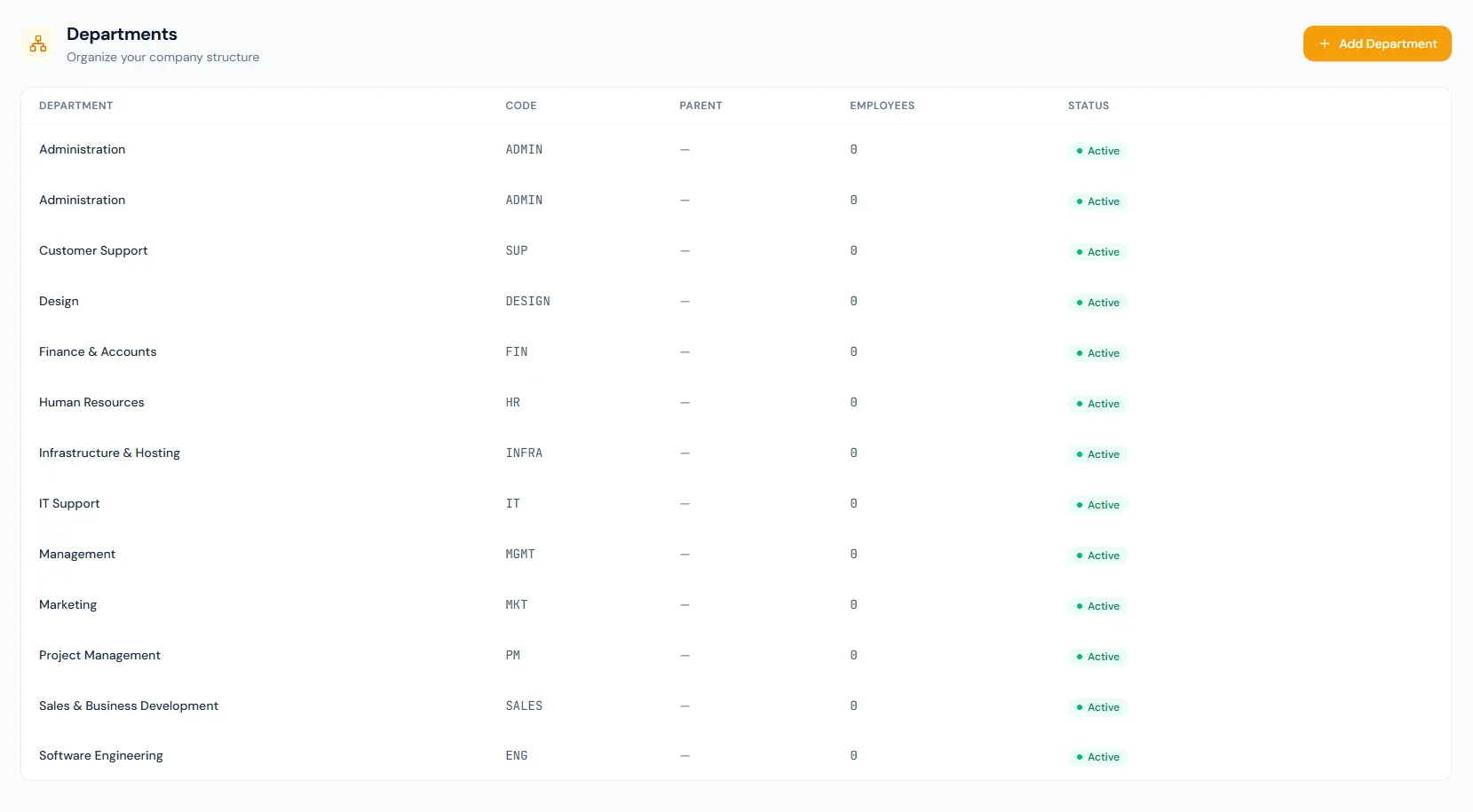
Maintain departments with codes, parent relationships, employee counts and active status so the HRM can segment employees, approvals and reports by business unit.
Every view stays structured and reviewable — nothing hides behind a tab.
The setup table shows every business unit with code and operational state.
Department codes keep exports, reports and employee profiles consistent.
Parent values build a live nested tree, with protection against circular references.
Departments become the organizational unit used in employee records and filters.
Name, code, parent, employee count and status stay visible.
Each department can name its head for reporting and escalation context.
A cost-centre field keeps finance grouping attached to the structure.
Profiles and reports can group people by department.
A nested tree view with sub-department counts and circular-reference protection is available today.
Departments with active employees or sub-departments cannot be deleted.
Department name, code, parent, employee count and status.
Yes. Parent relationships form a live tree with sub-department counts and circular-reference protection.
They segment employee records, reports, access views and operational workflows.
Map your current workflow to the right HRM setup, permissions and rollout plan.