
Review audit activity, sign-in history, email and SMS logs, manage company backups on Enterprise and run SMS providers — while mail delivery, storage, the PDF engine and AI keys are operated for you by the platform.
Review audit activity, sign-in history, email and SMS logs, manage company backups on Enterprise and run SMS providers — while mail delivery, storage, the PDF engine and AI keys are operated for you by the platform.
Activity logs, sign-in history, email logs and SMS logs support operational review, with old and new values captured on changes.
On the Enterprise plan, company data backups are always encrypted and managed from the workspace.
Mail delivery, file storage, the PDF engine and AI scoring keys are configured and maintained by your platform operator — nothing for company admins to babysit.
The System Administration page helps administrators review platform logs, monitor service health, manage backups and control operational settings for the HRM system.
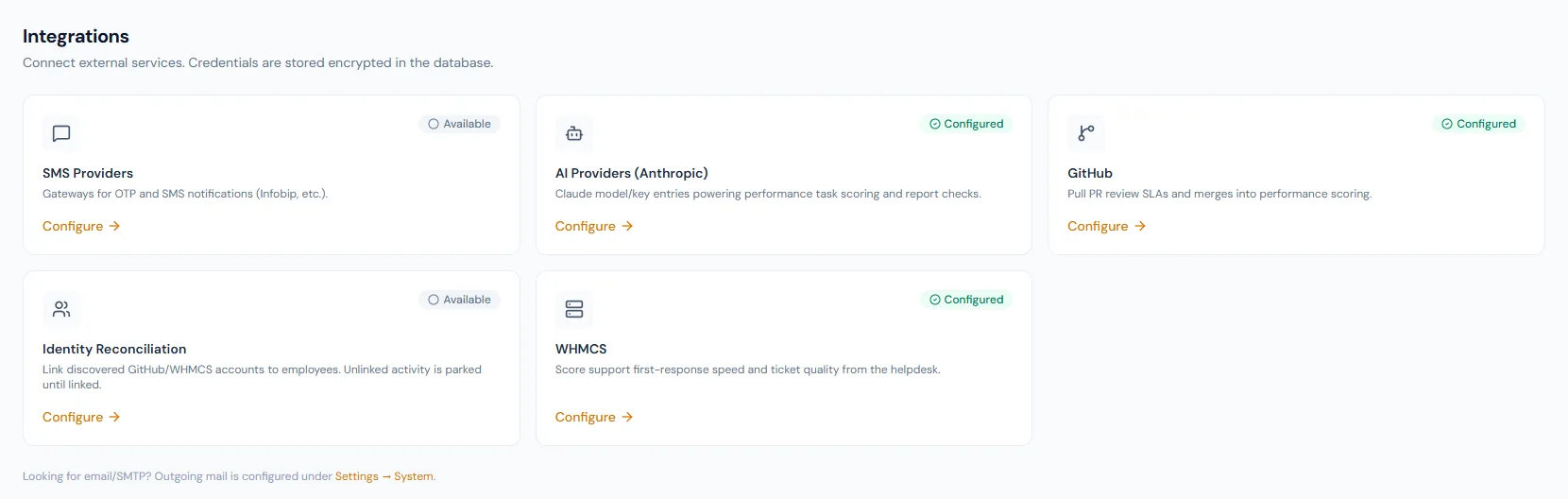
Review audit activity, sign-in history, email and SMS logs, manage company backups on Enterprise and run SMS providers — while mail delivery, storage, the PDF engine and AI keys are operated for you by the platform.
Choose a view to see how this module keeps daily HR work structured and reviewable.
Admin views expose activity, sign-in, email and SMS history, including what each change looked like before and after.
Values remain traceable in HRM.Activity, sign-in, email and SMS logs are available for admin review.
Audit entries capture old and new values, so reviewers see exactly what changed.
Enterprise backups are always encrypted — encryption is not optional.
Providers and send logs are managed from the administration layer.
Platform infrastructure is monitored and maintained by the operator, keeping company admins out of server rooms.
The module underpins access control, notifications and operational review.
Shared context keeps this workflow aligned with access control records.
ConnectedShared context keeps this workflow aligned with role-based permissions records.
ConnectedShared context keeps this workflow aligned with audit logs records.
ConnectedShared context keeps this workflow aligned with system administration records.
ConnectedShared context keeps this workflow aligned with employee documents records.
ConnectedThe four log views, Enterprise company backups and SMS gateway operations — platform infrastructure is run by the operator.
Yes, always. Company backups on Enterprise use AES-256 encryption with no unencrypted option.
Your platform operator. Company admins never configure mail servers, storage buckets or rendering engines.
Map your current workflow to the right HRM setup, permissions and rollout plan.